見逃せないアップデート:Office 2016 および Office 2019 のサポート終了

今すぐ読む
サイト翻訳には人工知能を利用しており、正確性を追求しておりますが、必ずしも100%正確とは限りません。ご了承ください。

MetaDefender Drive™ with Smart Touch v1.8.0 Release

Storage Optimization and Secure File Handling for Better Visibility and Smarter Storage Management
著者: OPSWAT
この記事を共有する

The MetaDefender Drive with Smart Touch v1.8.0 release introduces improvements to the usability of Secure File Storage. The improvements in this release are focused on reducing operational delays, improving storage visibility, and ensuring more reliable file handling in secure environments.

Improved Secure File Storage Performance, Visibility, and Capacity Management

Secure File Storage allows users to store files on Smart Touch and make them accessible only after they are scanned and verified by MetaDefender Kiosk™.

Only safe files stored on Secure File Storage after scanning at the MetaDefender Kiosk can be shared

This MetaDefender Drive with Smart Touch release improves Secure File Storage across performance, visibility, and capacity management, helping users manage files more efficiently while maintaining trusted workflows.

Storage Visibility for Capacity Management and Alerts

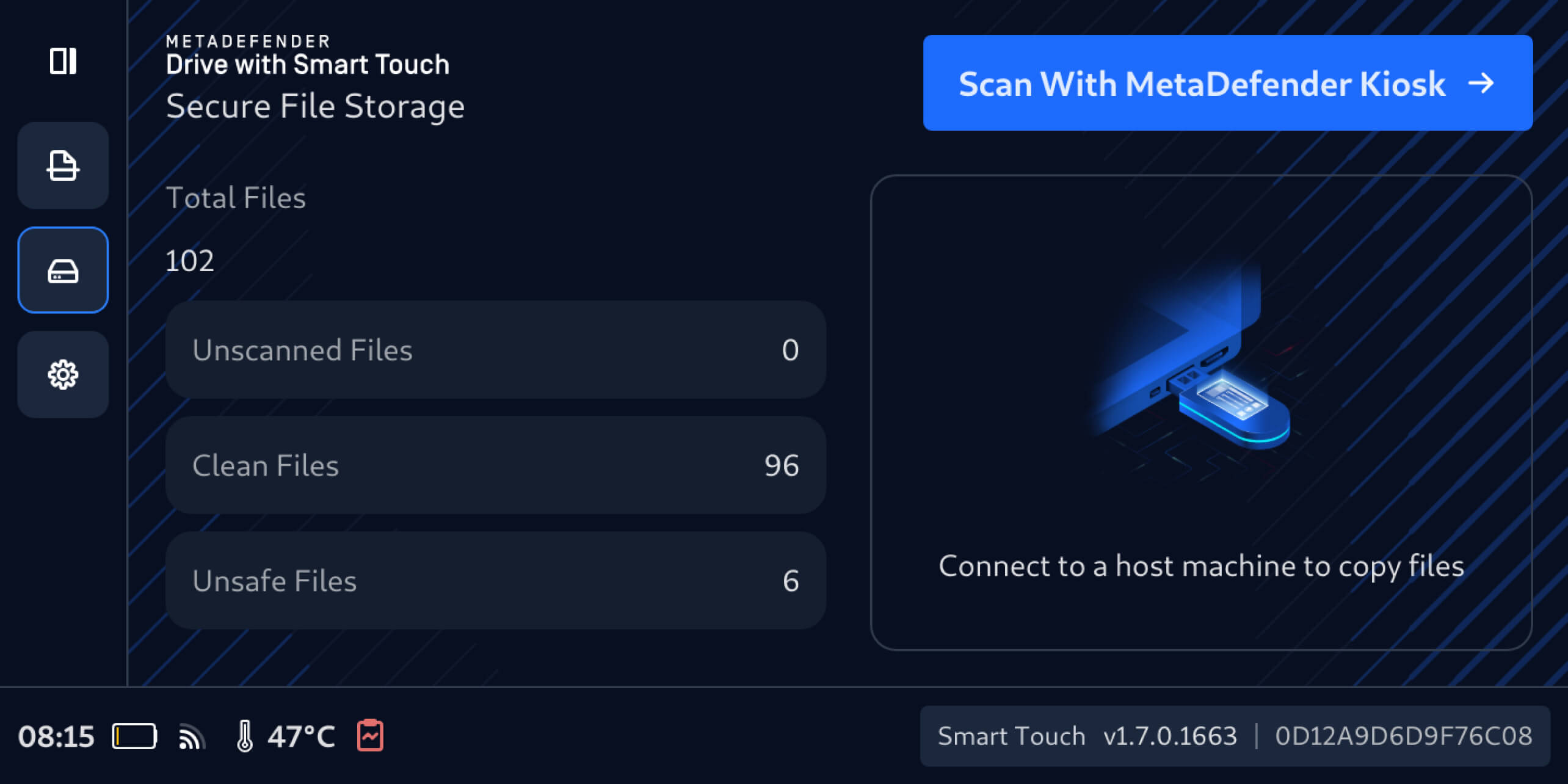
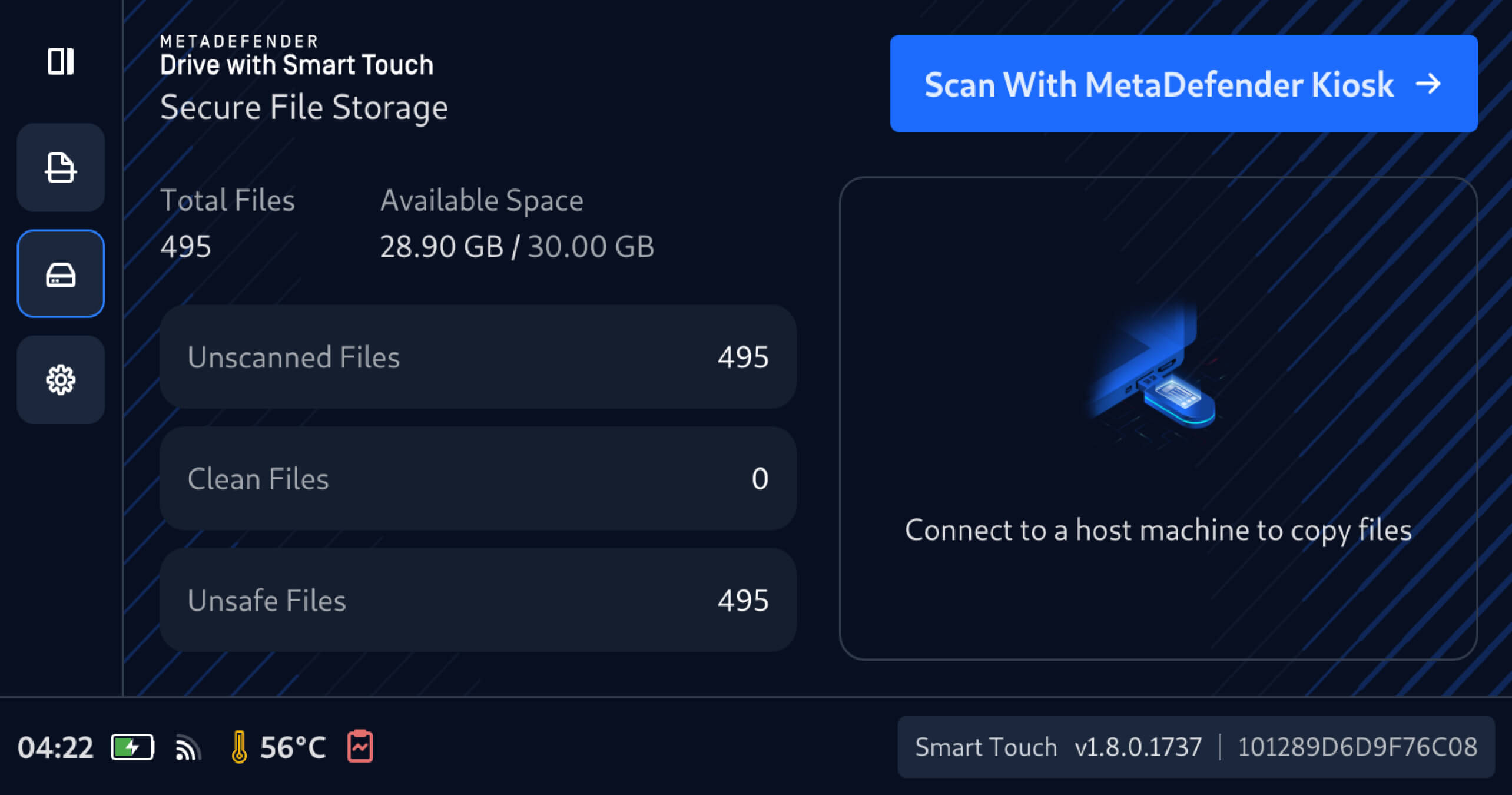
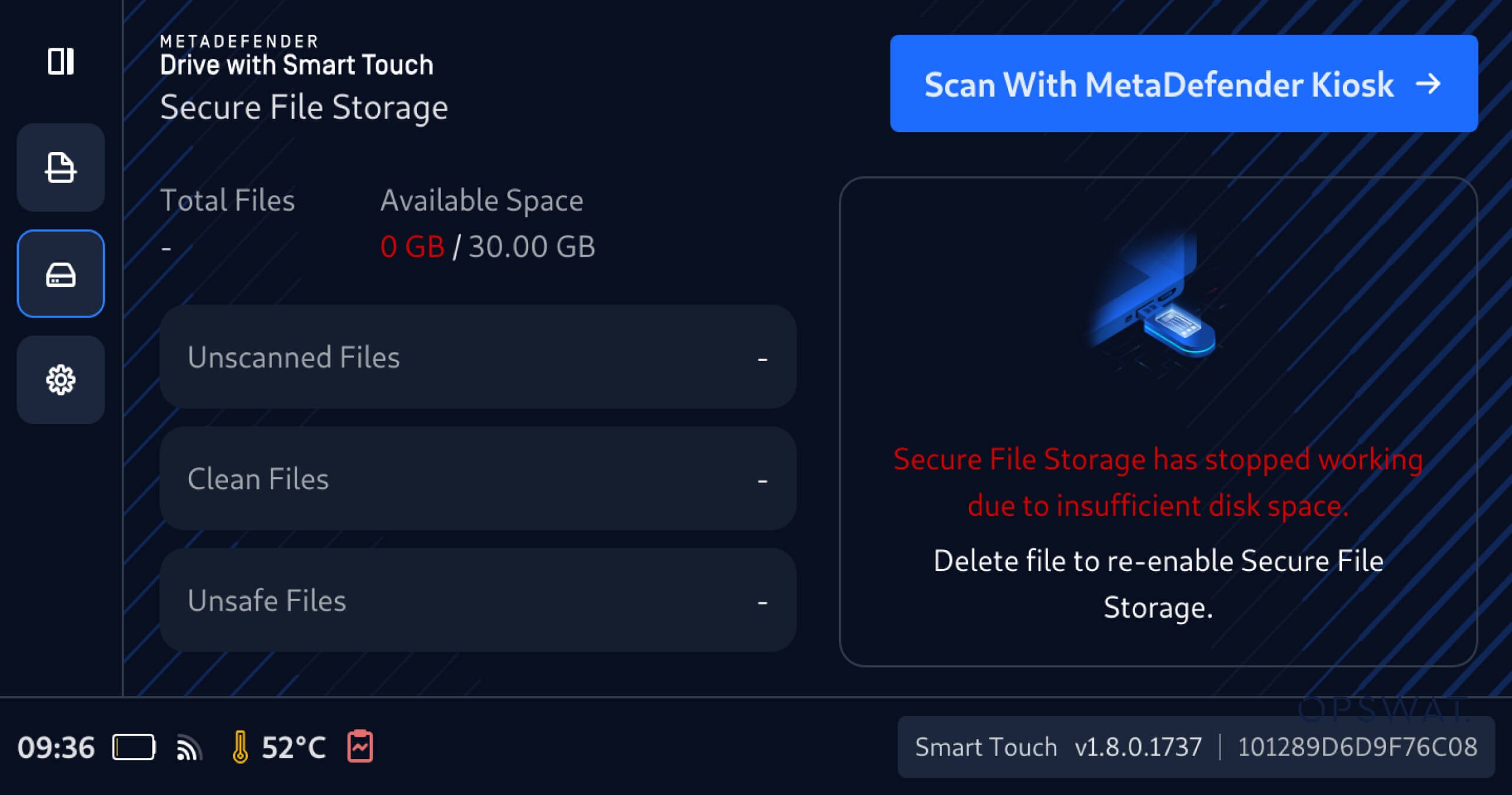
MetaDefender Drive with Smart Touch now provides clearer visibility into Secure File Storage usage across both Clean Files and Unsafe Files partitions. Users can now view total storage usage and remaining space directly on the Smart Touch interface, receive alerts when available space is insufficient for sharing files, and delete files to free up storage when needed.

File Management in Secure File Storage

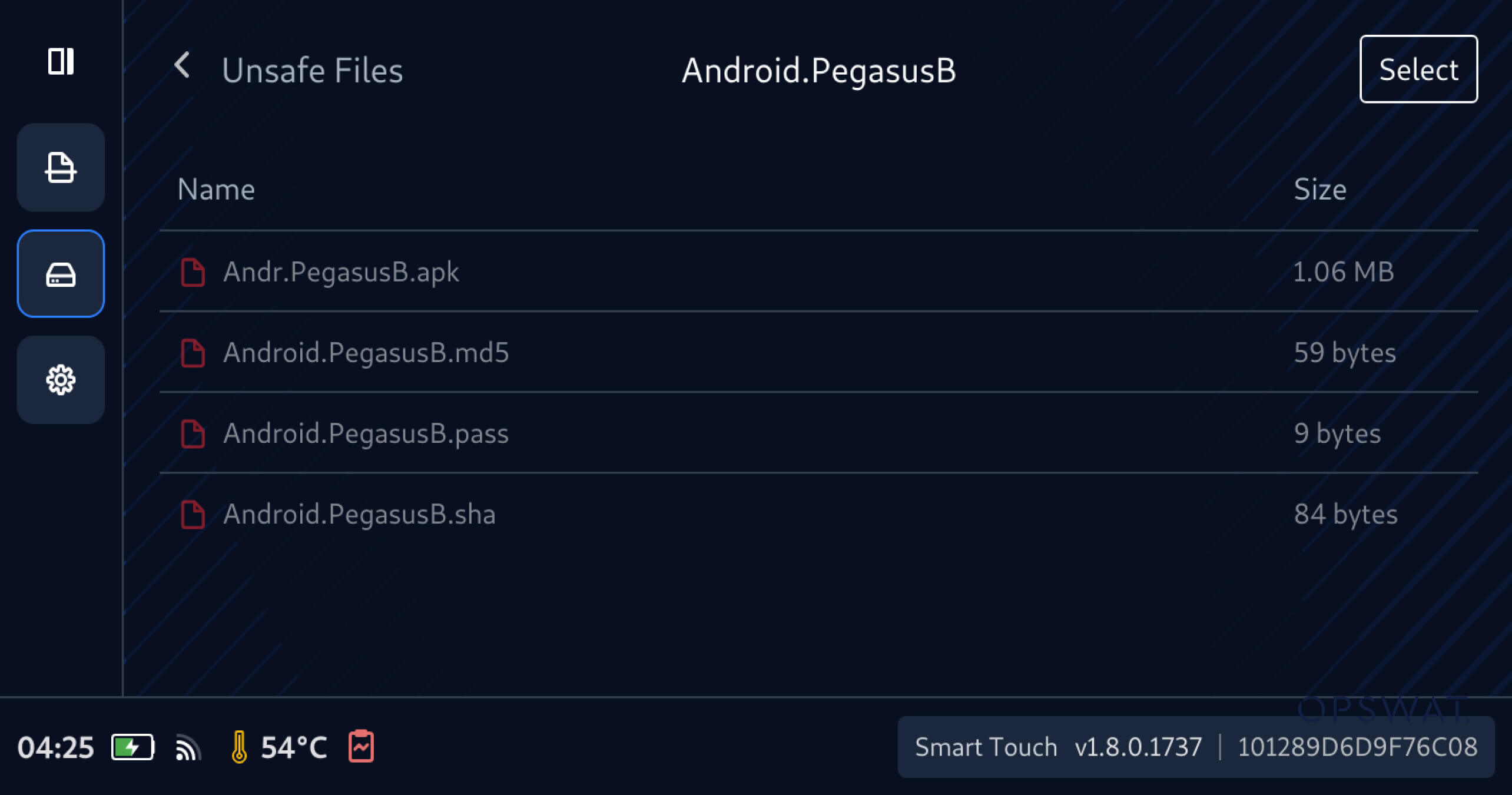
You can view the files and folder currently stored within Secure File Storage:

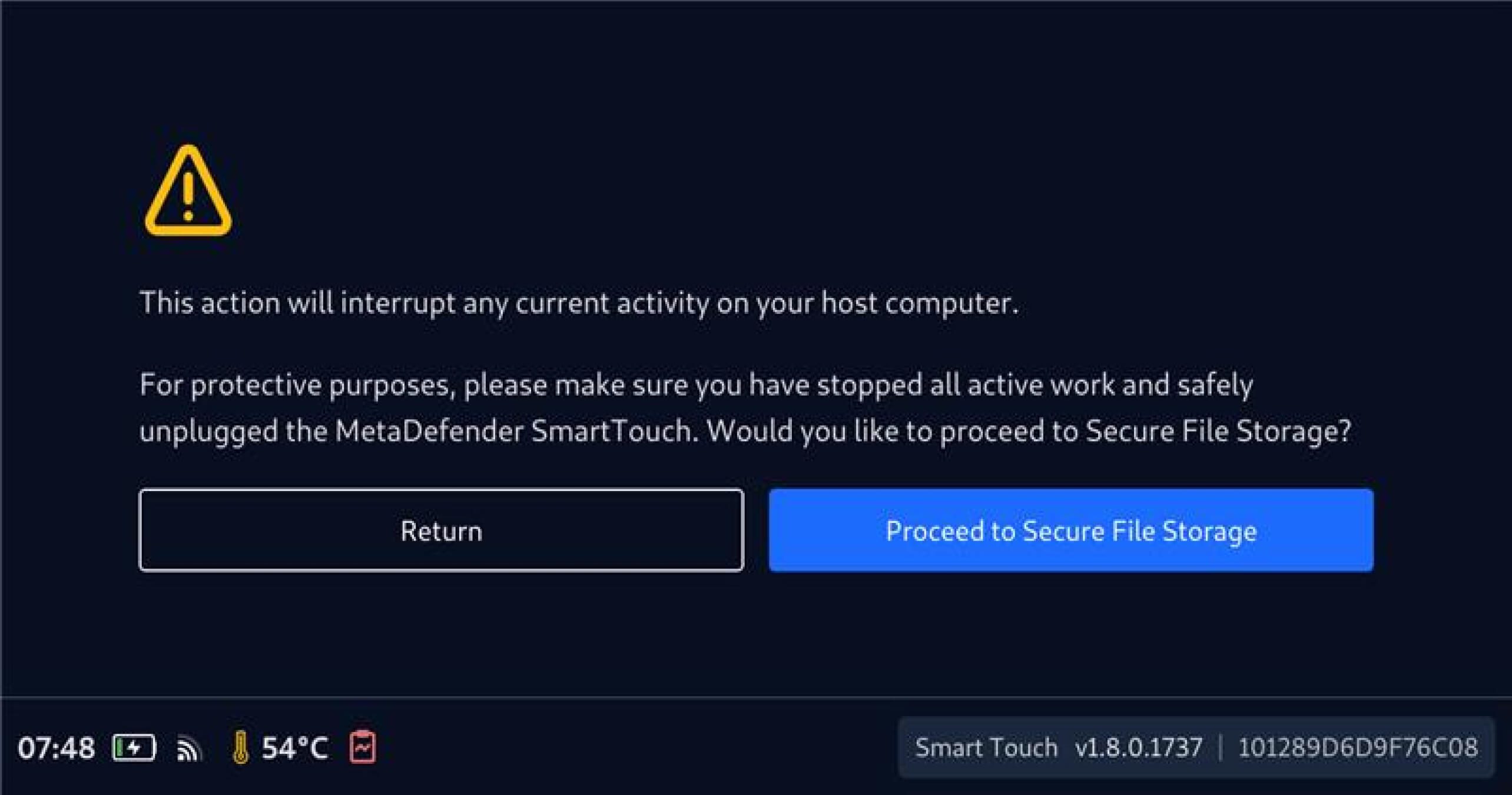
  1. Tap the Disk Icon to expand the left navigation bar, select Secure Storage, then tap Proceed to Secure Storage when prompted

2. After the stored file calculation is complete, the Available Space will be displayed, providing clear visibility into the total and remaining Secure File Storage capacity.

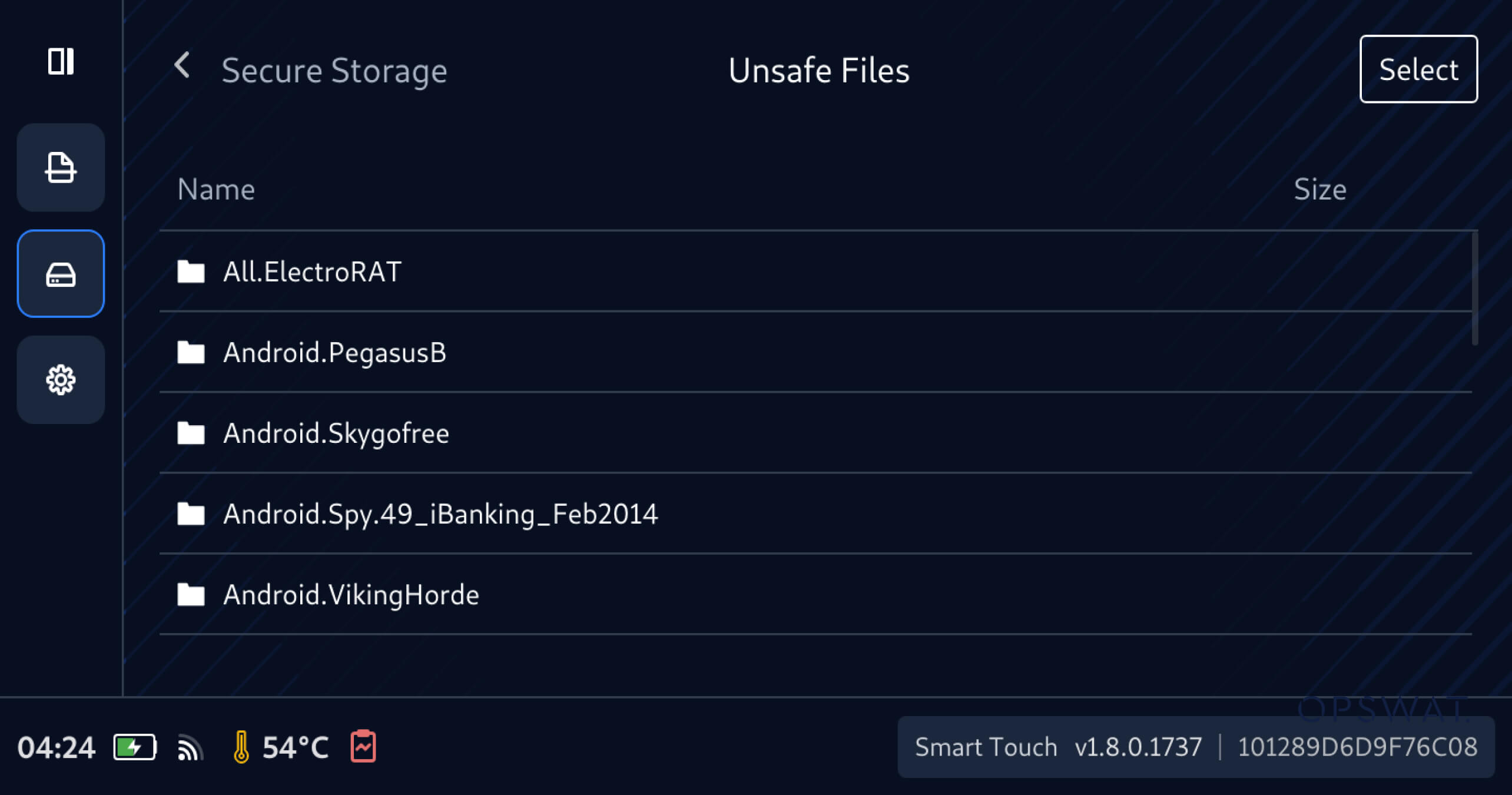
3. Tap the icon of Unscanned Files, Clean Files, or Unsafe Files to view file details and sizes, verify content, and make informed decisions on sharing or cleanup.

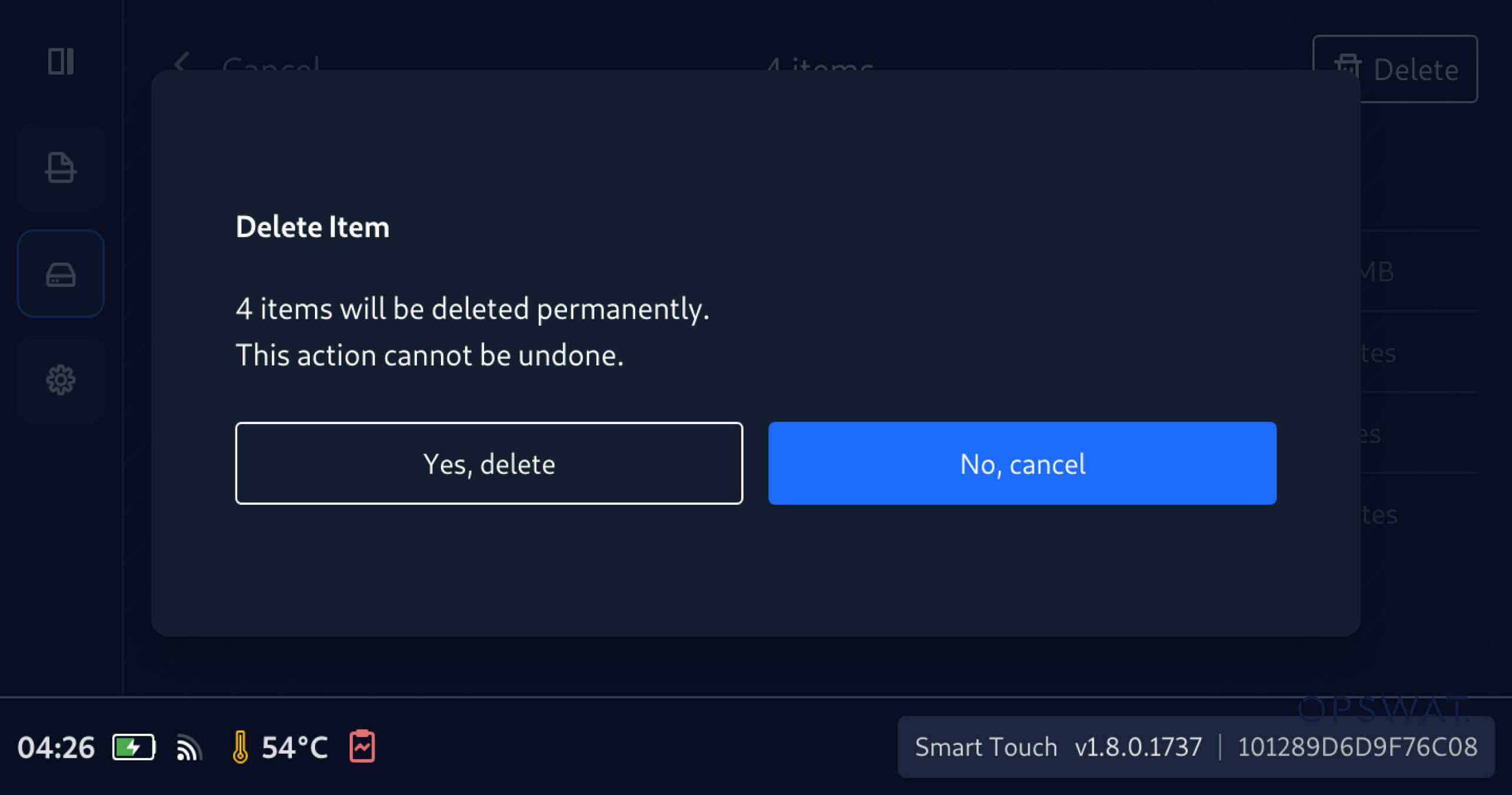
    To select and delete files and folders in Secure File Storage:

    1. Navigate and check the boxes of the folders and files you want to delete

    2. Tap Yes, delete to confirm deleting the selected files permanently

    Low-Storage Alert for Secure File Storage

    Additionally, MetaDefender Drive with Smart Touch now provides early notification when the Secure File Storage is low, enabling operators to be early aware of insufficient space before file sharing and reduces the risk of failed file sharing due to storage limitations.

    リリース詳細

    製品名: MetaDefender Drive Smart Touch

    Release Date: April 6, 2026

    リリースノート: 詳細はこちら

    To update MetaDefender Drive with Smart Touch, tap System Update on the home screen to access the centralized update view.

    OPSWATで最新情報をお届けします!

    今すぐご登録ください、 ストーリー、イベント情報などをお届けします。